

Opus · Procedures
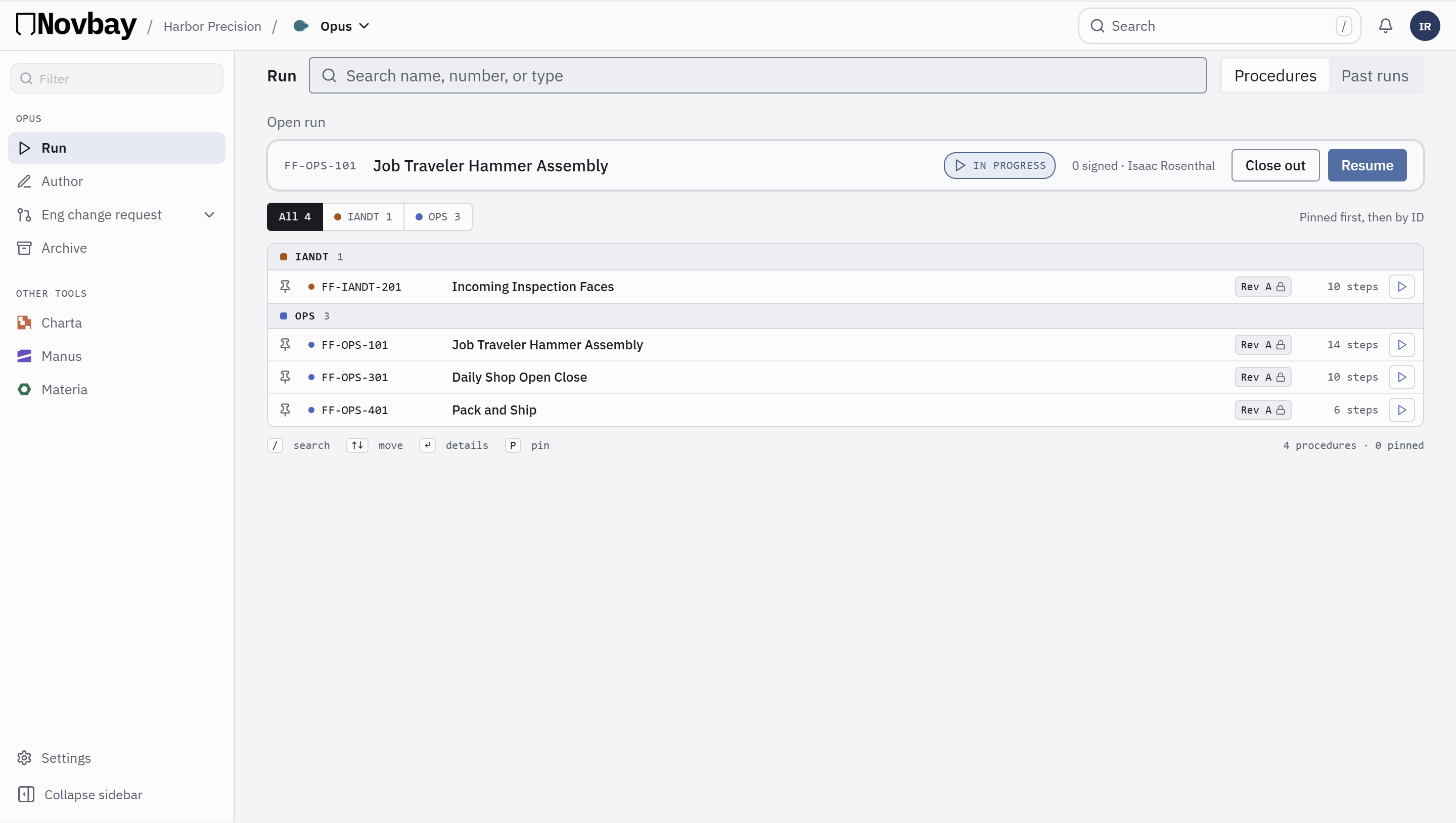
Stop running last year's version of the procedure.
Write the procedure once and lock the revision. Every run follows that exact version, step by step, and signs as it goes.
Excel import · One Novbay account · Step or Document view
Why teams switch
- 1One locked revisionWhen a run starts, the revision is snapshotted. Later edits never change a run already in progress.
- 2A name and time on every stepPass, Fail or N/A on each step, with readings like torque values recorded as you go.
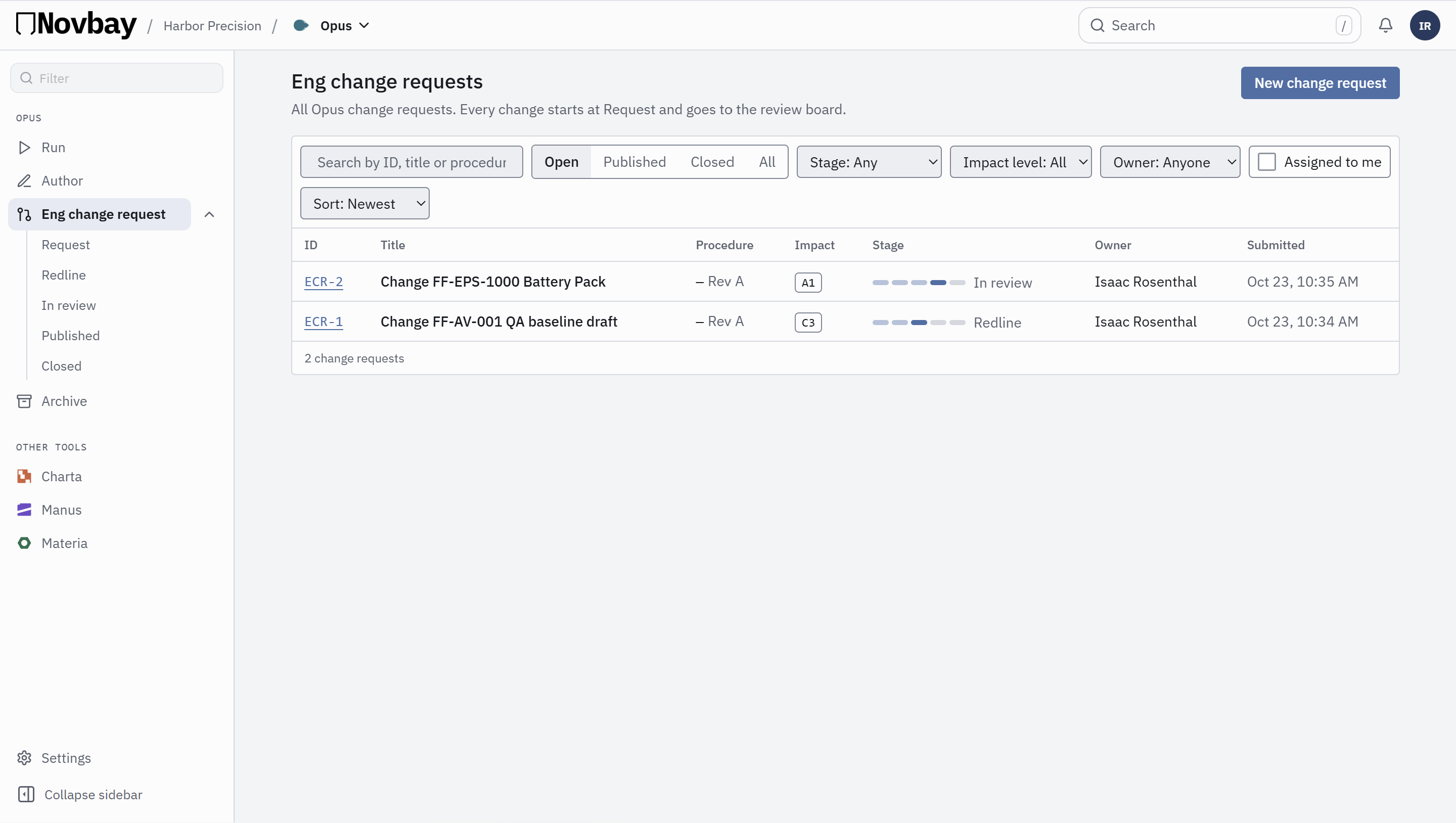
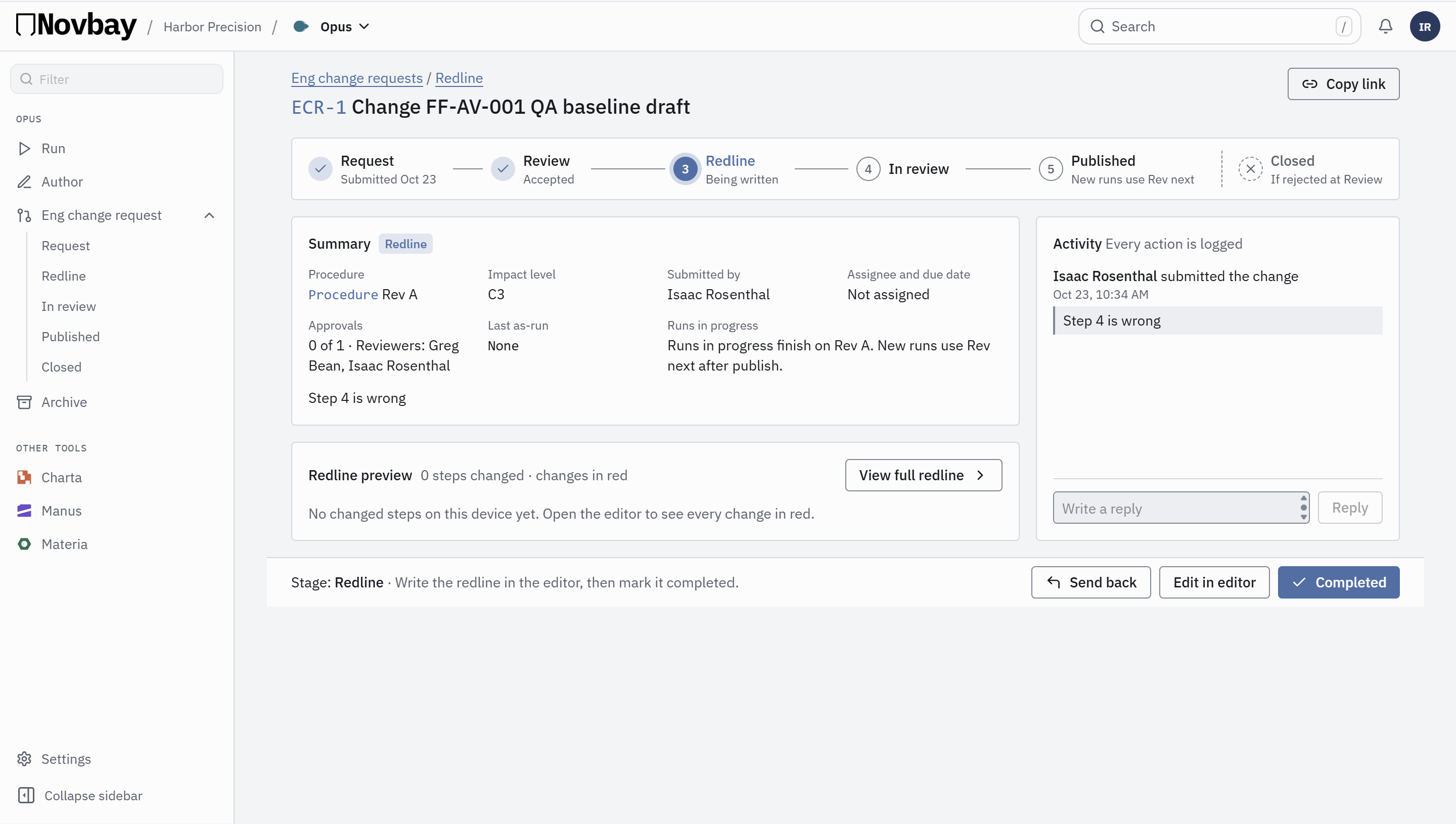
- 3Changes go through a requestSuggest an edit with a change request and redlines. Export the finished record as a PDF.
Run it one step at a time, or see the whole job: compare Step view and Document view →
Step vs Document
Focus on the step. Or see the whole job.
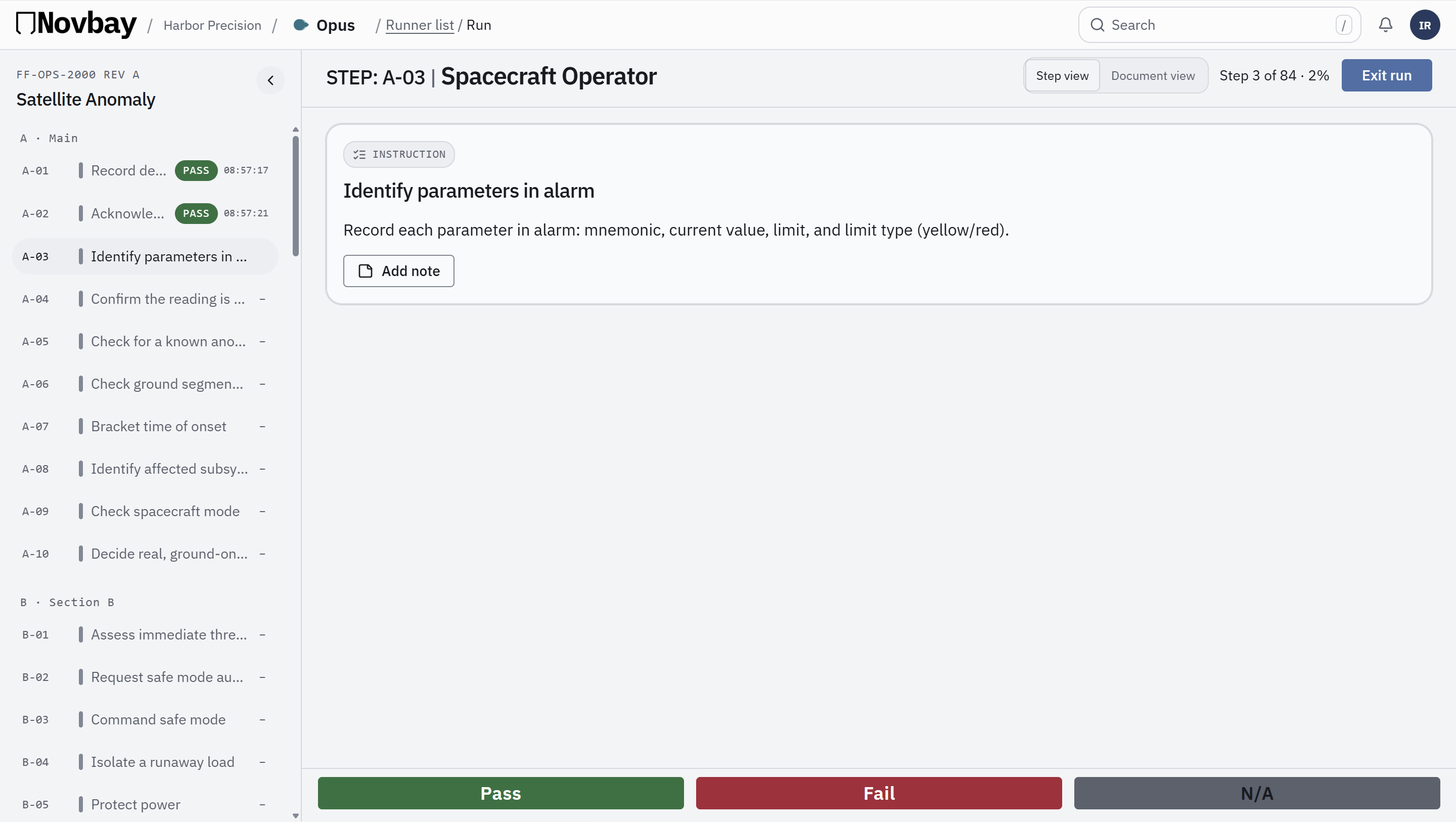
Step viewOne step at a time, with what you need for it.
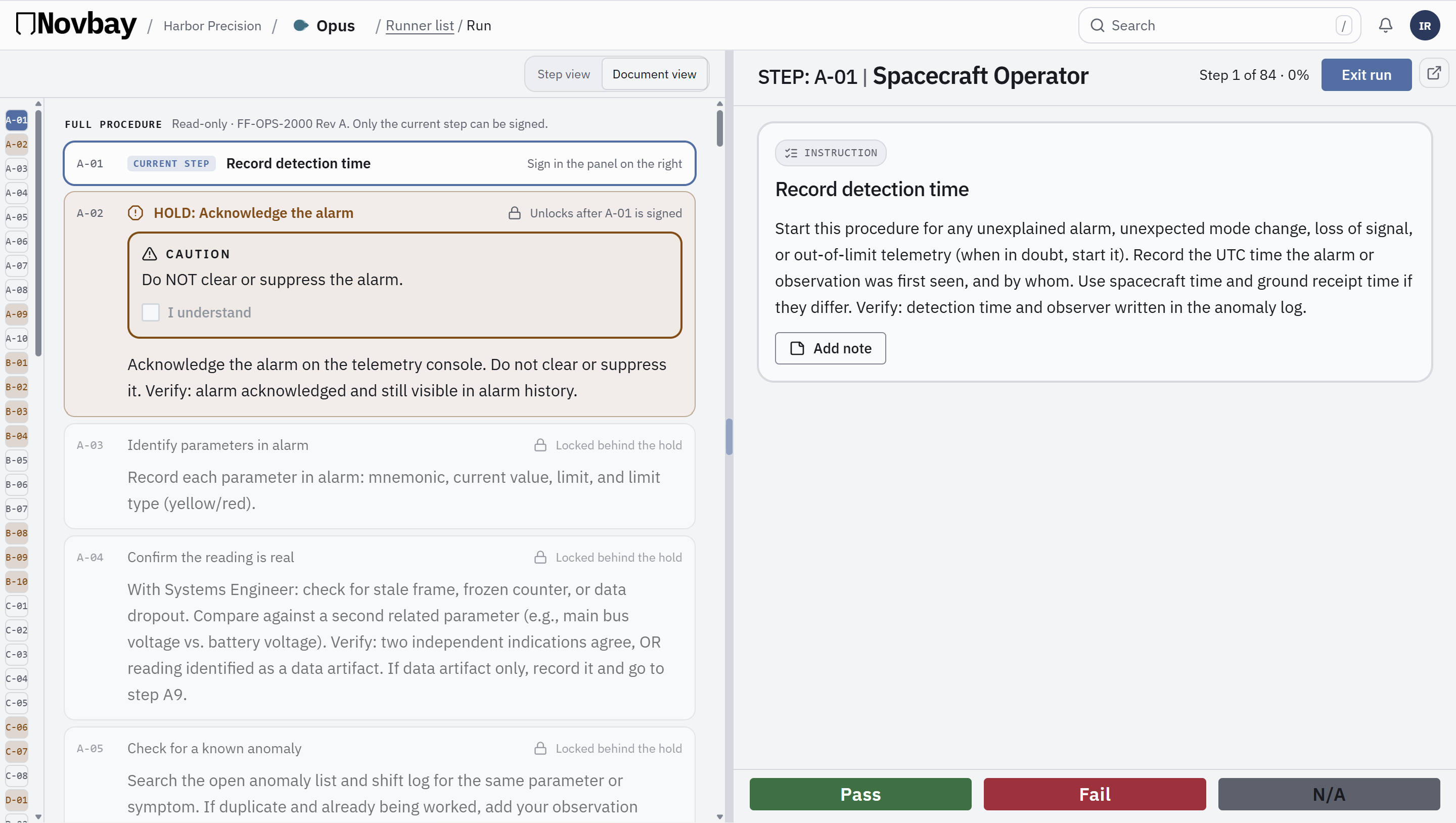
Document viewThe whole procedure, start to finish.
Write it
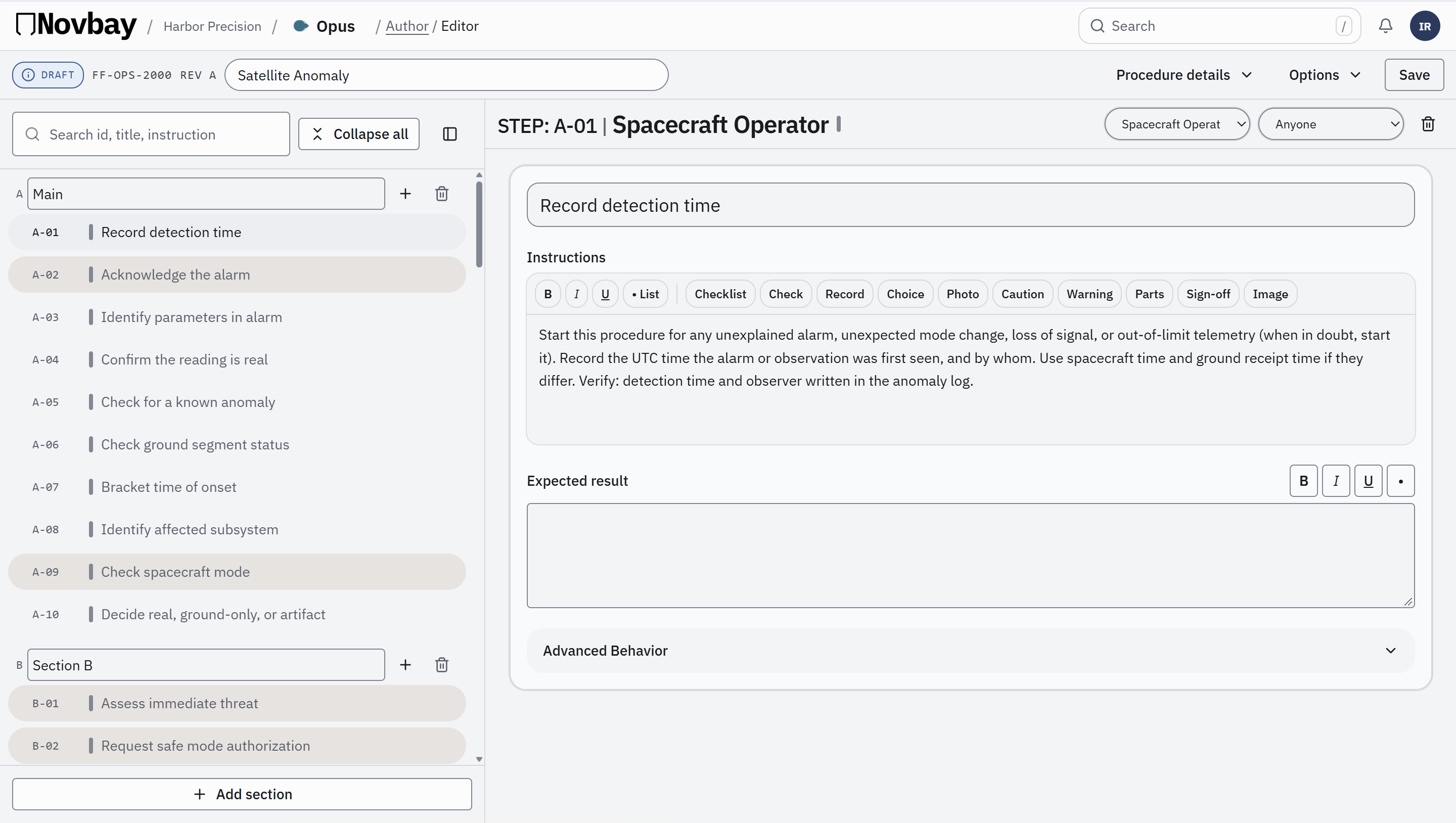
Edit the procedure, then lock the revision.
Write steps, cautions and checks in one editor. Publish when it is right, and every run follows that version.
Change requests
Suggest a change. Review it. Approve it.
Work together
Run the same procedure together, live.
Open one Opus run on two or more devices. Each person takes a step, and everyone sees who is where and when each step is done.
- See who is working on which step.
- Progress updates for the whole team as steps are finished.
- Only one person can sign a step at a time, so the record stays clean.
MMaya
Step 4
Torque fastenersSign stepJJon
Step 6
Record serialSign step5 of 12 steps done
Updates for everyone when a step is done.