
Charta · Work cards
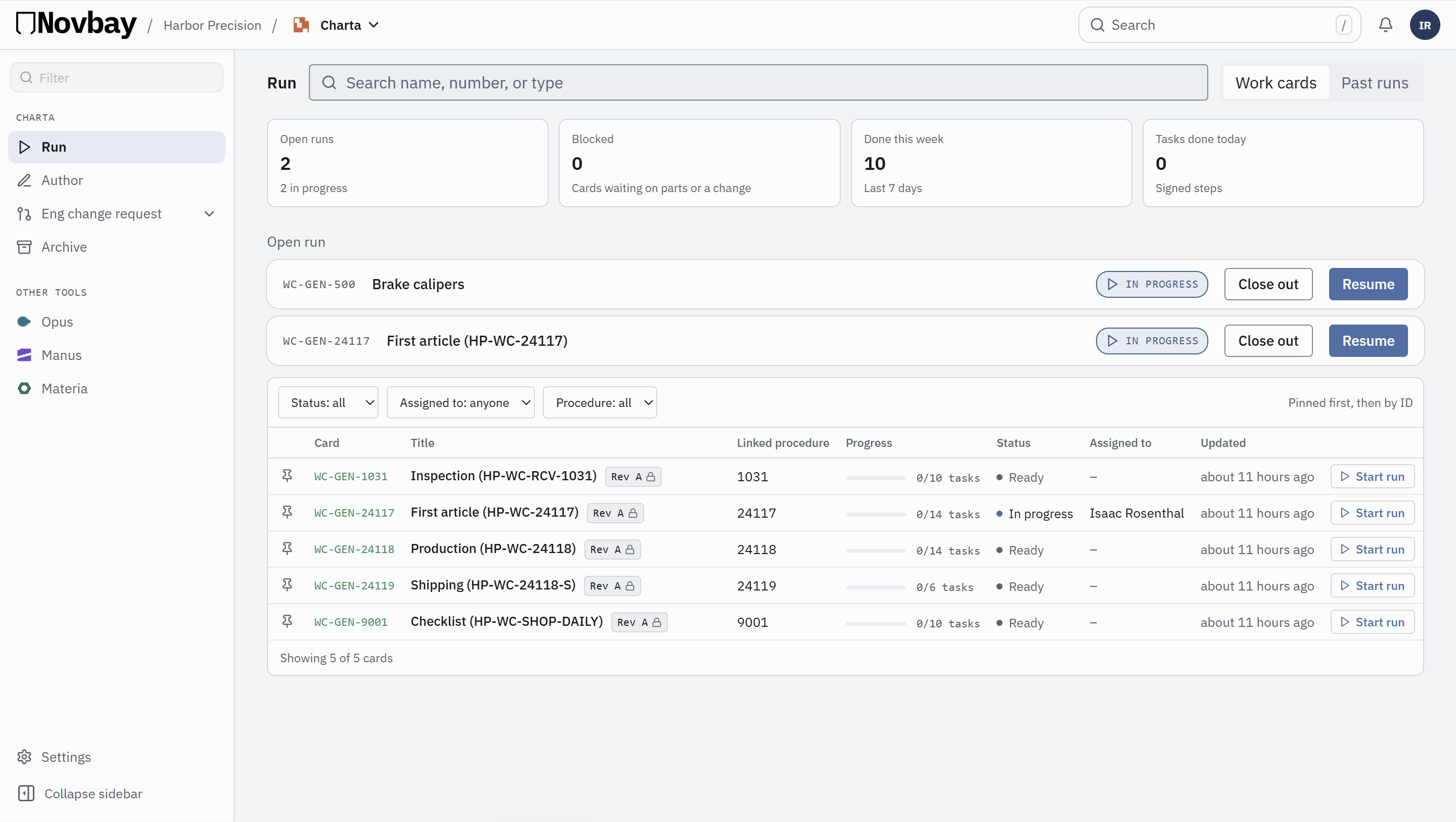
Stop flipping between the drawing and the work card.
Keep the whole card open on one screen and pop the sign panel out to the other. The current step is always the one in front of you.
Dual monitor ready · Excel import · One Novbay account
Why teams switch
- 1Pop out to a second screenMove the sign panel to another monitor with one click. Dock it back when you are done.
- 2The whole card, one step to signDocument view shows every step read-only. Only the current step can be signed, so nobody signs ahead.
- 3Parts on the cardEach card lists the parts it uses, taken from Materia, so the bench sees what the job needs.
Run it one step at a time, or see the whole job: compare Step view and Document view →
Two screens
Pop the CAD out to a second screen
Keep the steps on your main display and the drawing on the side.
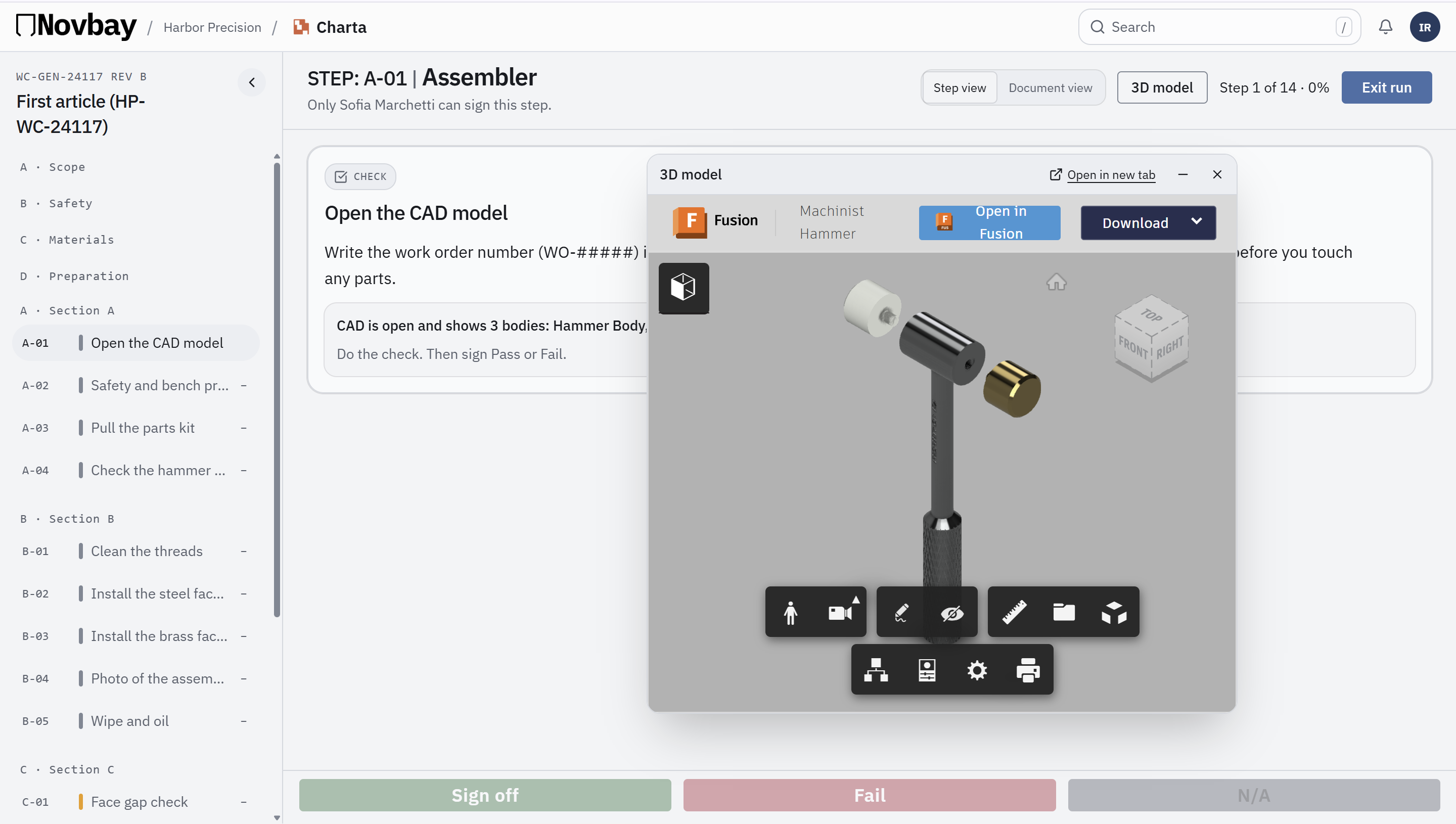
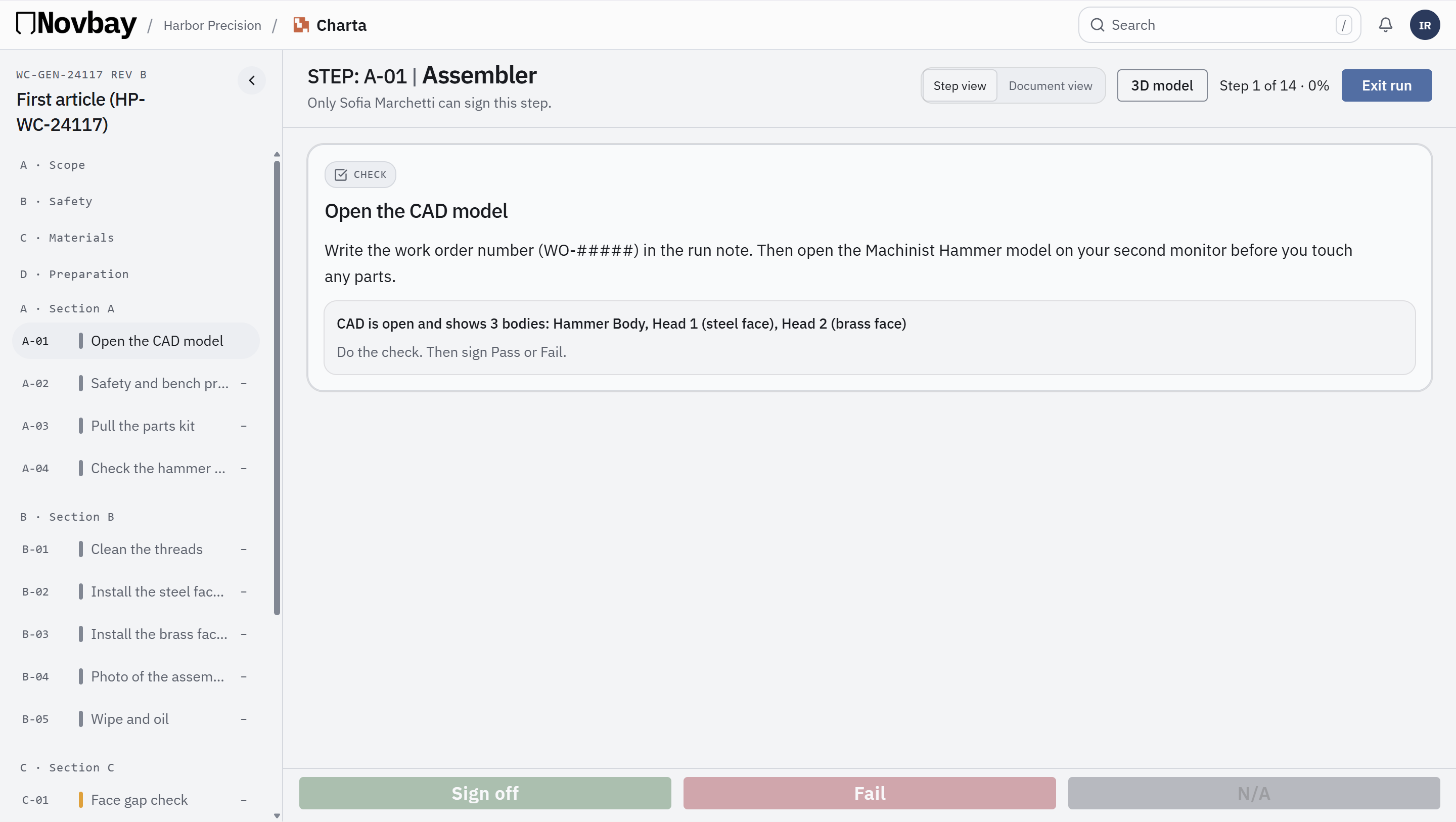
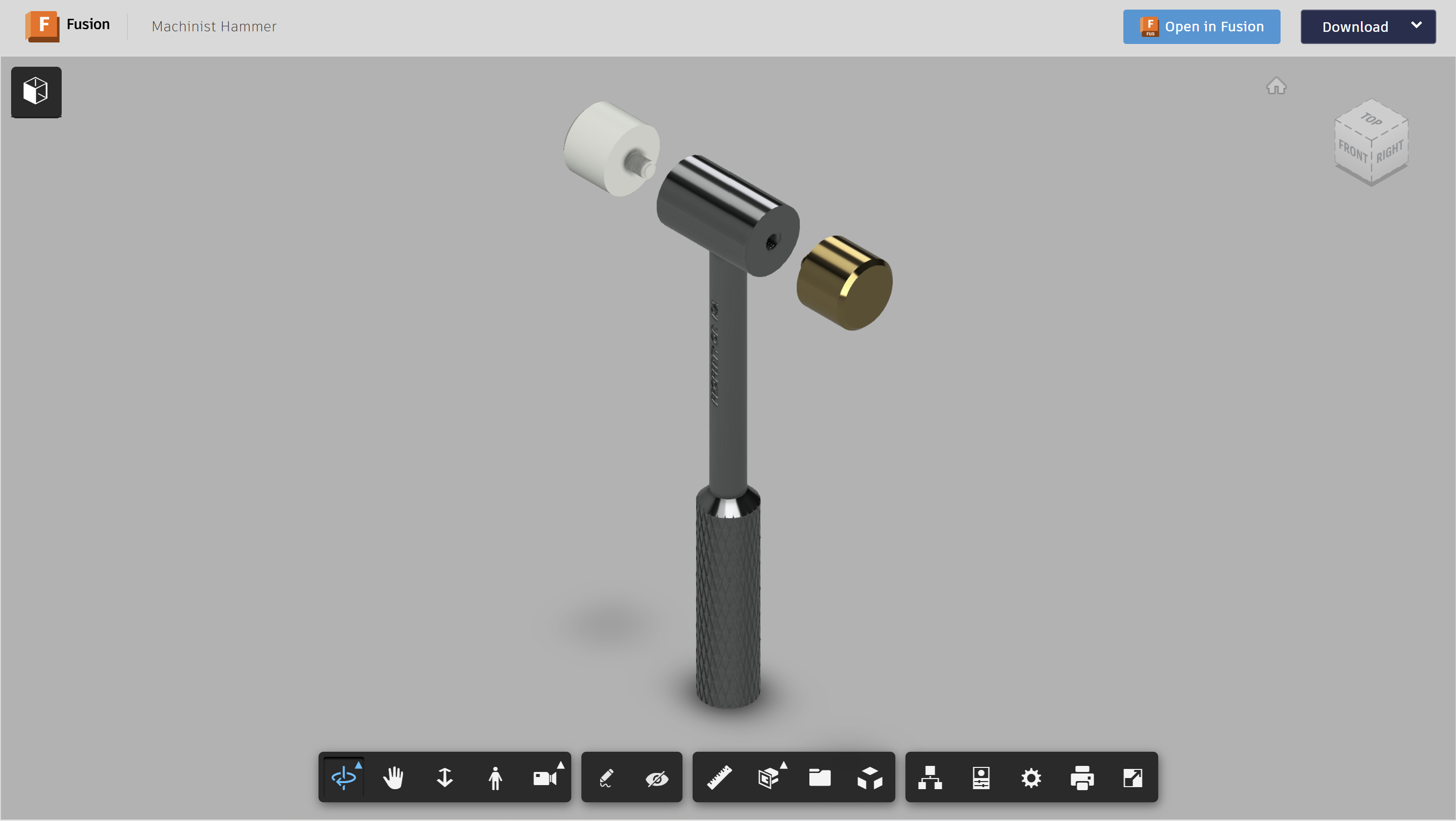
Steps on the main screen, CAD on the side.
Step vs Document
Focus on the step. Or see the whole job.
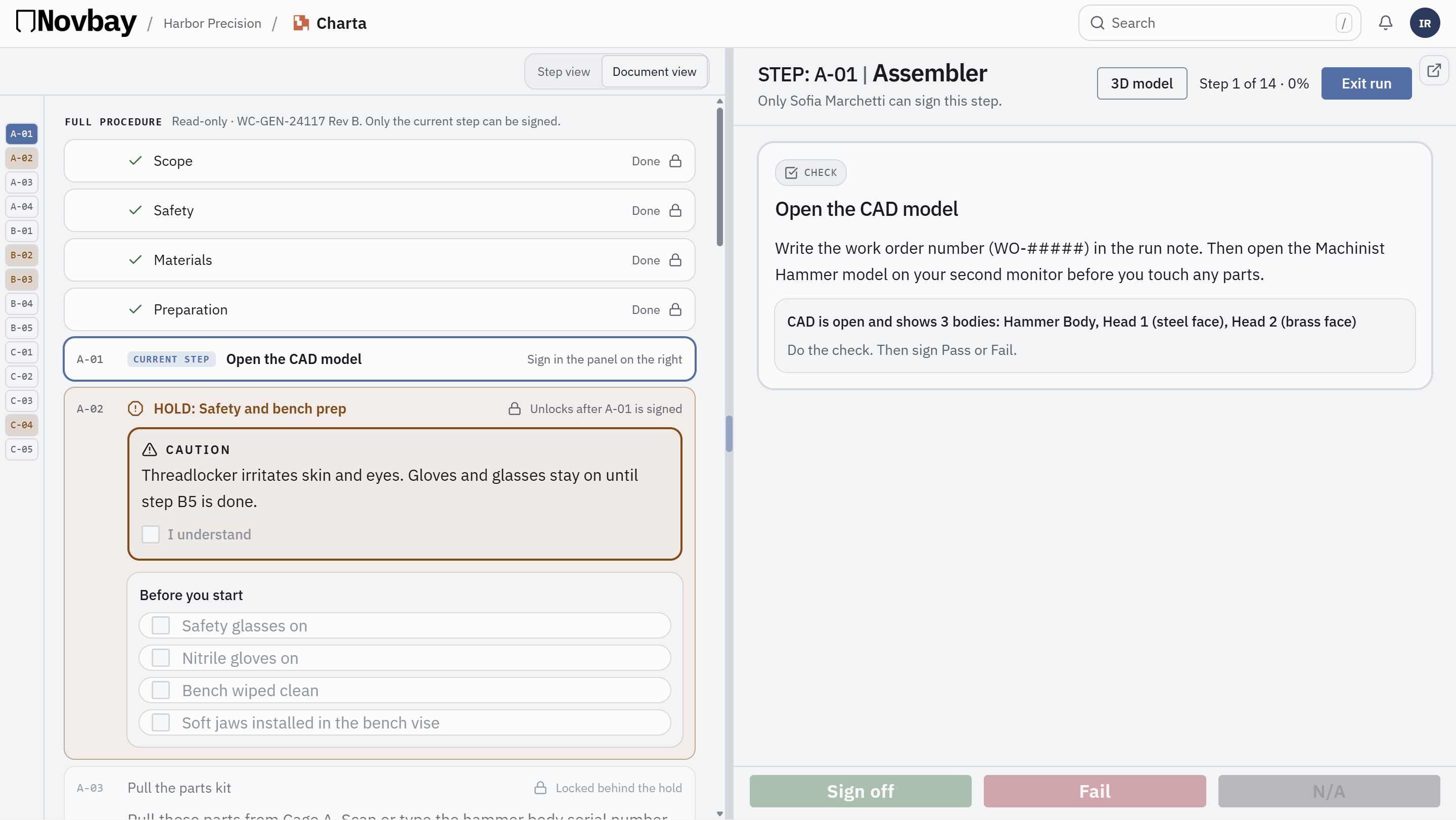
Step viewOne step at a time, with what you need for it.
Document viewThe whole procedure, start to finish.