
Opus and Charta · Runner

Focus on the step. Or see the whole job.

Every run has two views. Switch between them at any time with the Step view / Document view toggle. Drag the slider to compare.
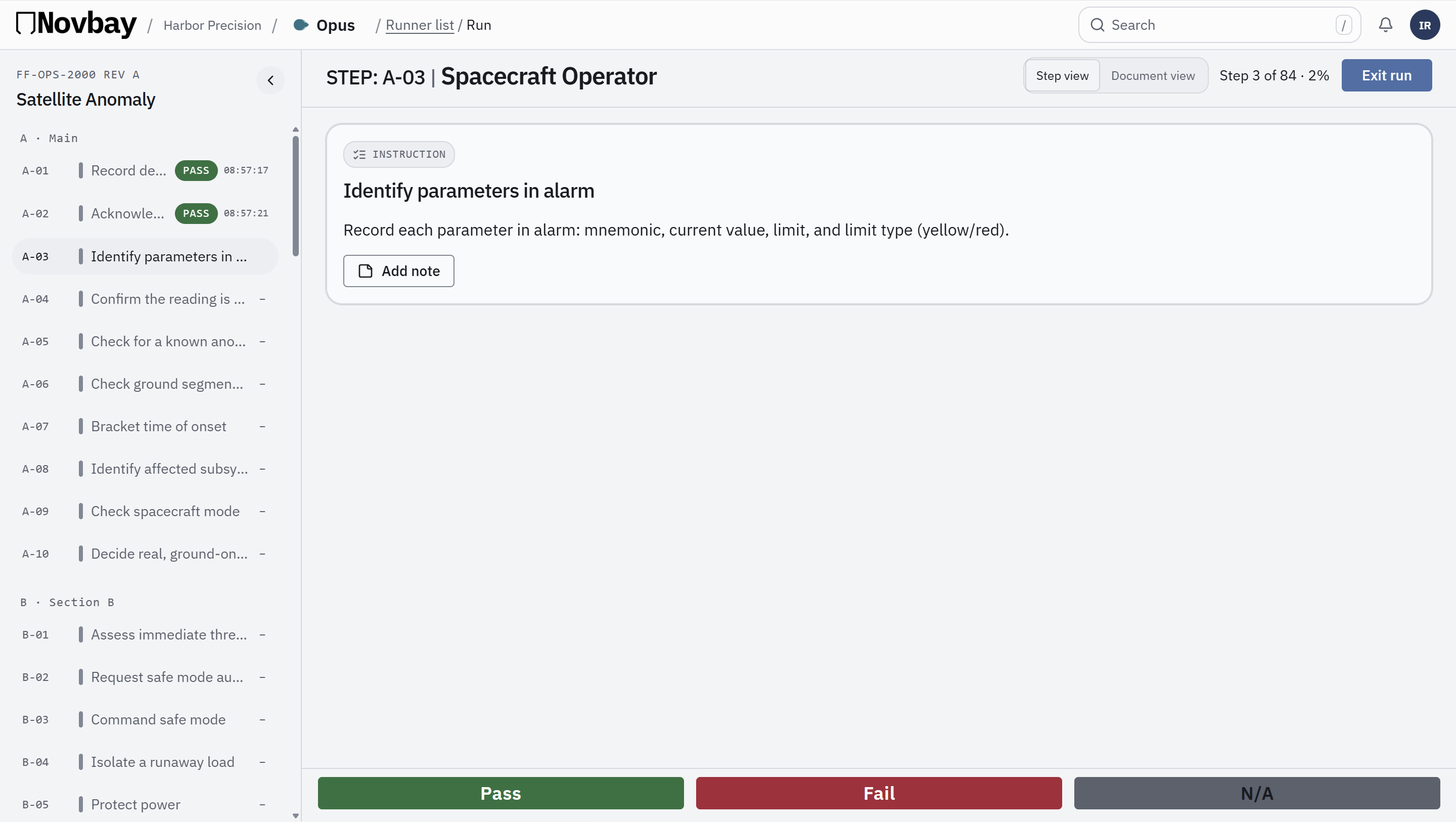
Step view of FF-OPS-101 Hammer Assembly: the step list on the left and only the current step, A-01 Open the CAD model, with Pass, Fail and N/A buttons.
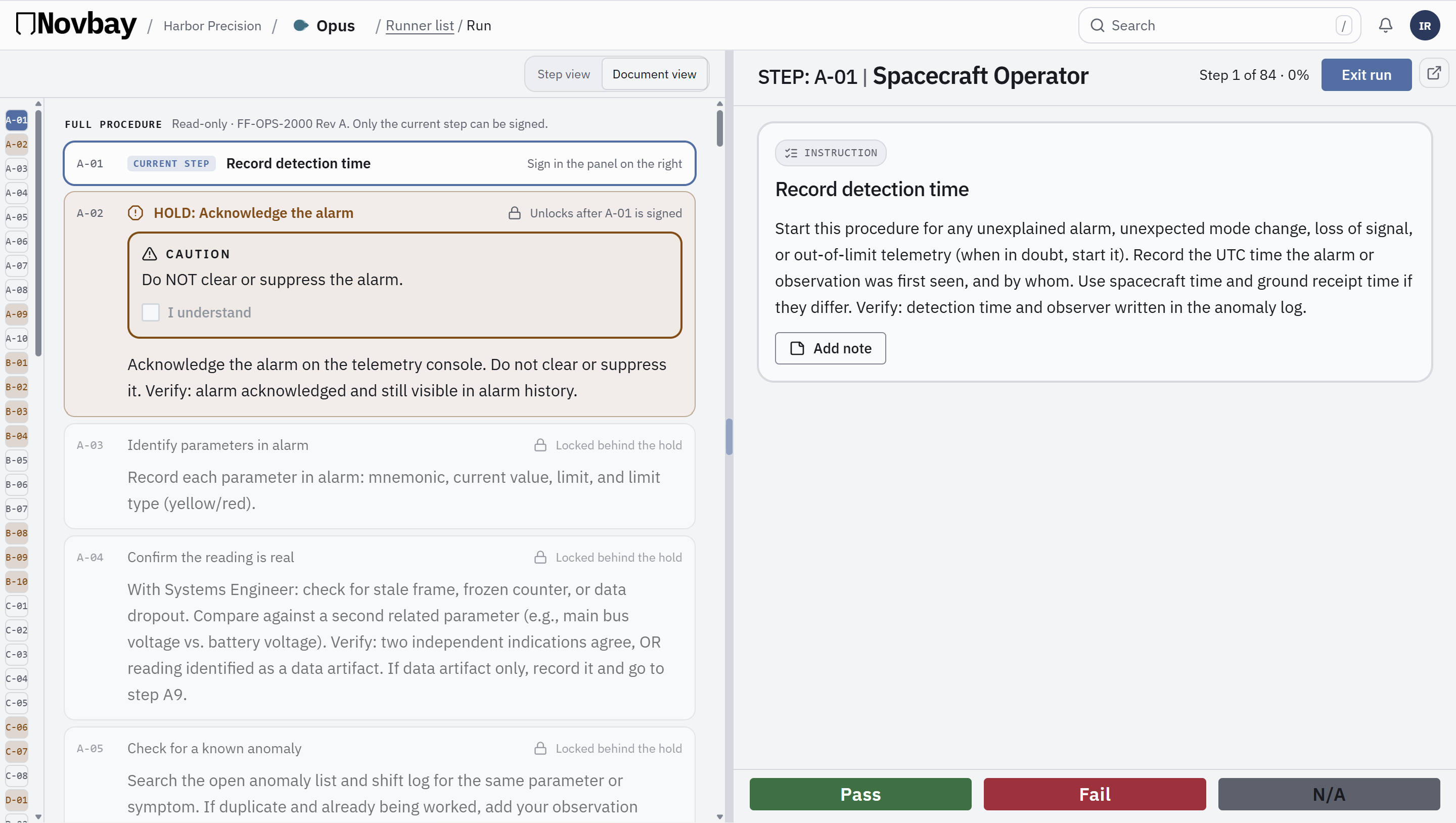
Document view of FF-OPS-101: the whole procedure read-only on the left, and the sign panel for step A-01 on the right.
Step viewDocument view
Step viewRun one step at a time.
Document viewSee the whole procedure while you sign.
Step view of FF-OPS-101 Hammer Assembly: the step list on the left and only the current step, A-01 Open the CAD model, with Pass, Fail and N/A buttons.
Step view. Run one step at a time.
Document view of FF-OPS-101: the whole procedure read-only on the left, and the sign panel for step A-01 on the right.
Document view. See the whole procedure while you sign.

Works in Opus and Charta · Real screens from the Novbay app